Browse, download, mix, and manage your KaraokeVersion & Jamzone library
Stop hunting for backing tracks. Stop renaming folders. Stop Googling chords five minutes before a gig.
Download Free for MacFree forever · No subscription · macOS 12+
I play in a cover band. Managing backing tracks used to mean endless manual downloads, misnamed files, and digging for chord charts before every gig. I built BTM to solve my own problem — and it turned out a lot of other musicians had the same one.
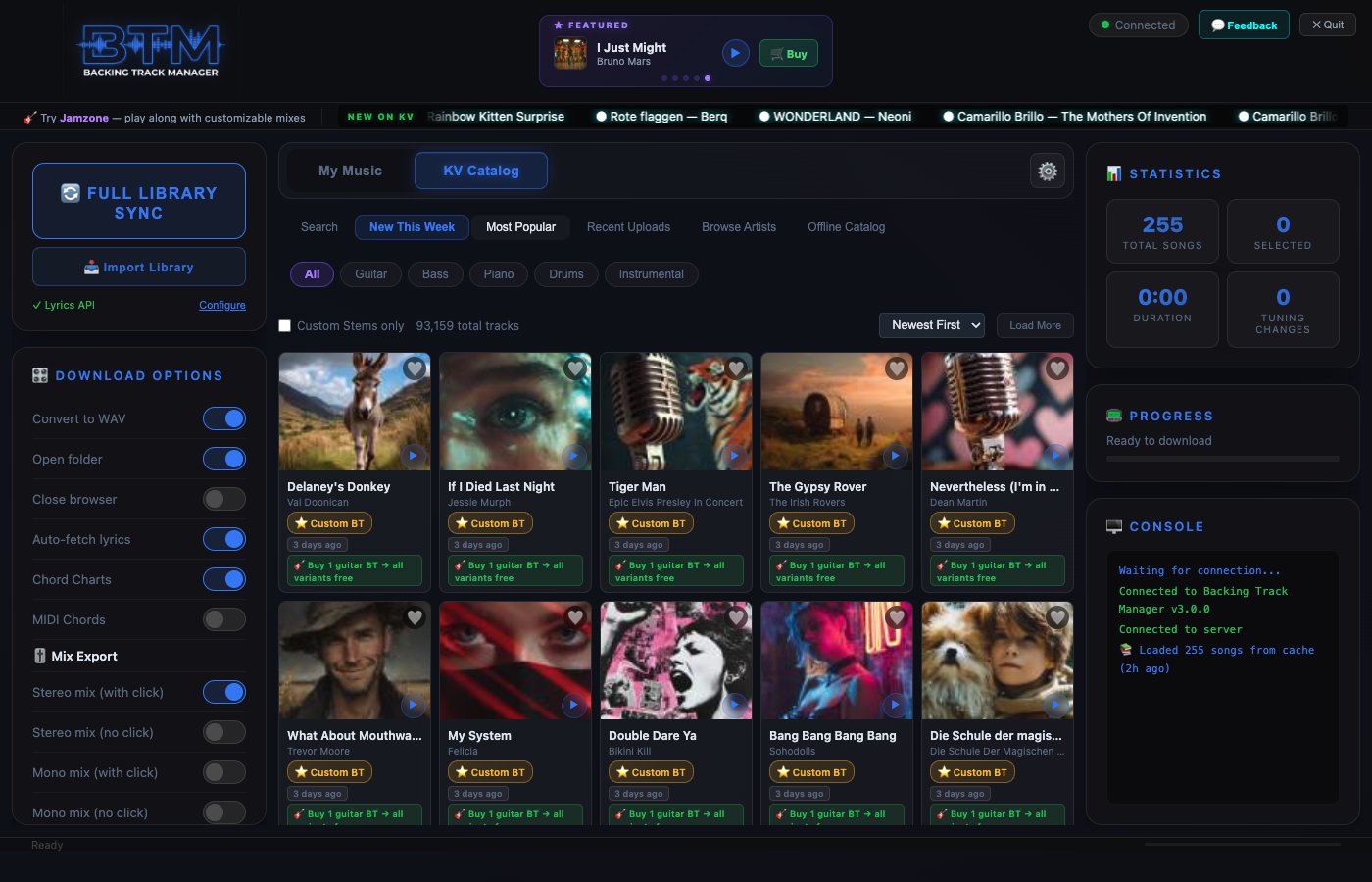
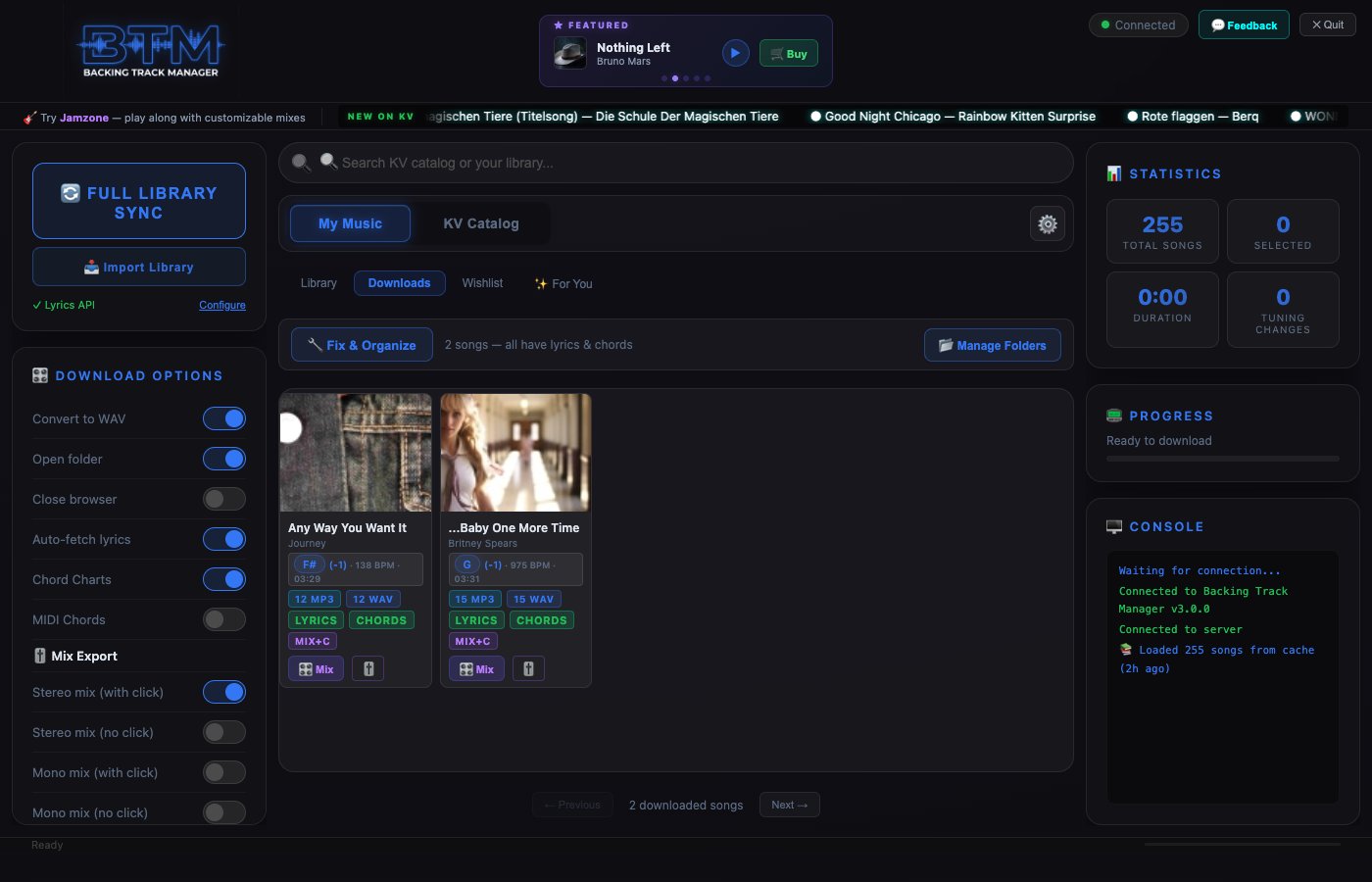
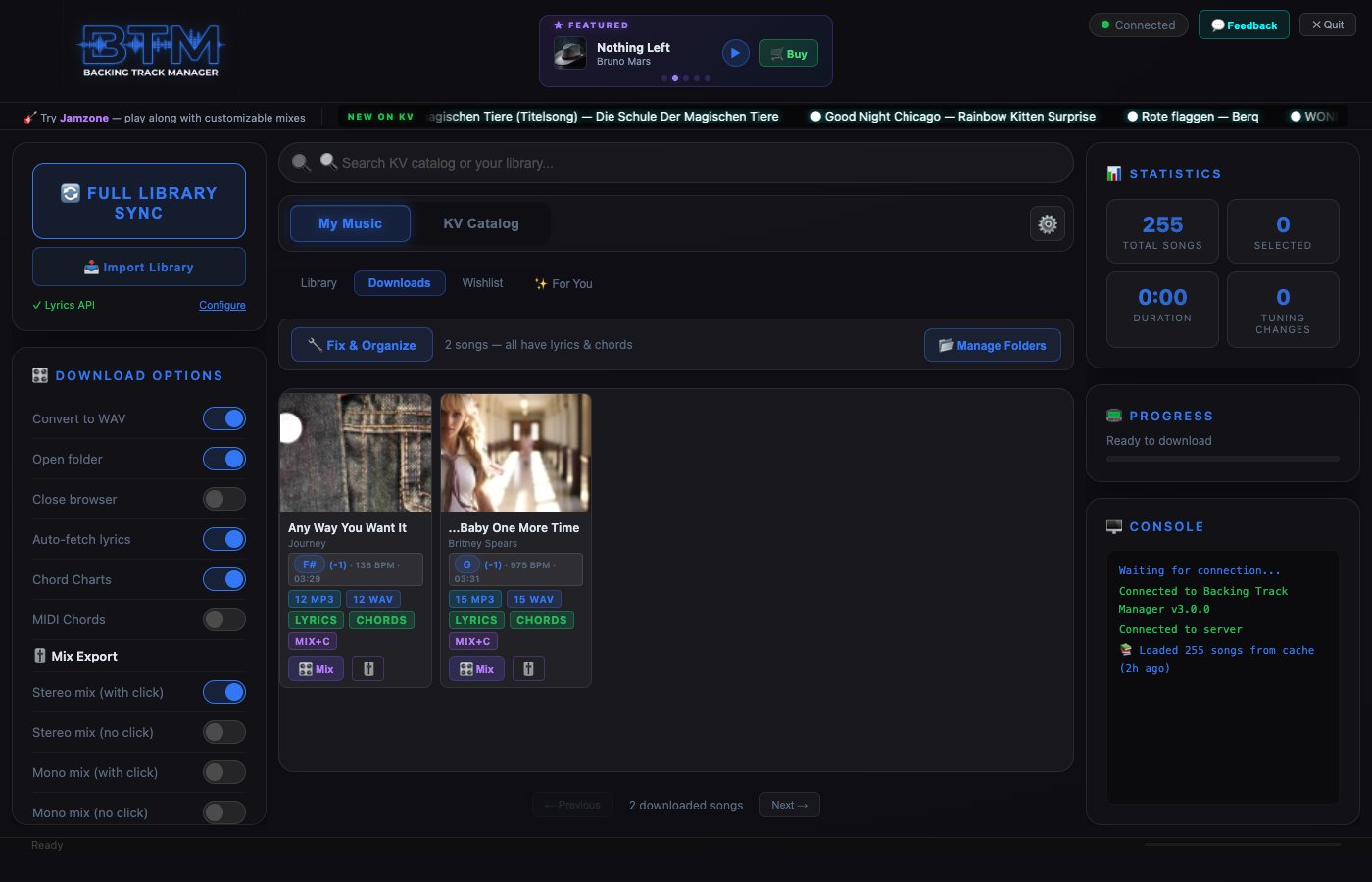
📚 Song Library — 255 songs, sortable cards
Free download. No subscription. Works on Mac.
Powered by KaraokeVersion & Jamzone — the best stems on the market.
Yes. Free to download, free to use — no subscription, no hidden fees. Songs on KaraokeVersion cost ~$2.99 each, but BTM itself is 100% free.
Yes — BTM connects to your existing KV account for downloads. Your same affiliate account also covers Jamzone, which BTM v3 now supports alongside KV.
BTM can import and organize folders you already have. It'll parse song names, pull metadata, and show them in My Downloads — same as if you'd downloaded them through BTM.
v3.2 is focused on stability and compatibility: full macOS Tahoe (26.x) support — the Gatekeeper launch issue from v3.0 is completely resolved. It's also now a Universal build, running natively on both Apple Silicon and Intel Macs. The installer has been rebuilt from scratch to eliminate stale copy issues. If v3.0 or v3.1 gave you trouble, v3.2 is the fix.
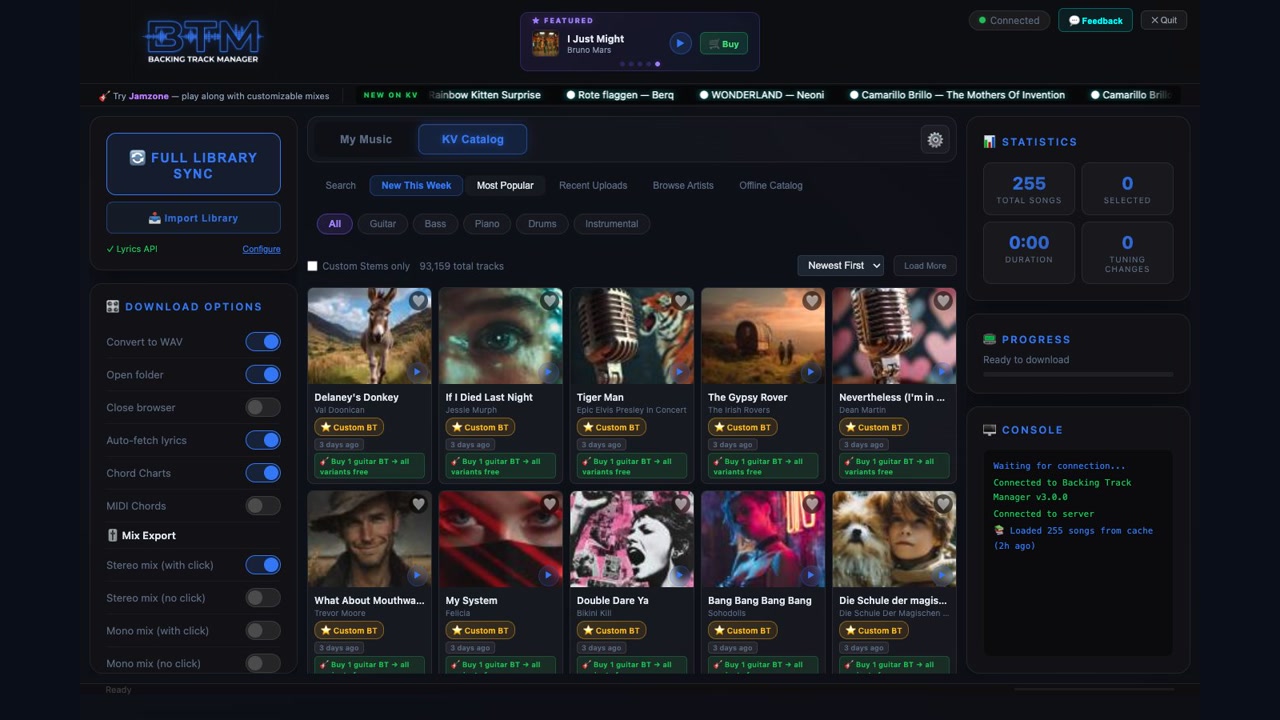
A ground-up rebuild. Highlights: 93,000+ song catalog with offline search, album art and 30-second previews everywhere, instrument filters, Featured Picks carousel, interactive Mix Customizer (solo/mute/pan stems, real-time metering, export WAV/MP3, auto mix generation), wishlists with price drop alerts and personal notes, "For You" recommendations, hybrid search, parallel downloads (4 concurrent), MIDI chord generation, WAV conversion, multi-folder scanning, song update notifications, and Custom BT badges.
A built-in mixer powered by Web Audio. Solo or mute individual stems, adjust volume and pan per channel, watch real-time frequency meters, then export your custom mix as WAV or MP3. Save presets like "Guitar Practice" or "Vocals Only" and reload anytime. BTM also auto-generates Stereo+Click, Stereo–Click, Mono+Click, and Mono–Click mixes on download.
Filter the entire catalog by Guitar, Bass, Drums, Piano, or Instrumental. Filters work across all views — New This Week, Most Popular, Browse Artists, search results. Find exactly the stems you need without scrolling through thousands of songs.
Wishlist any song with the heart button and add personal notes. BTM tracks prices on your wishlisted songs after each catalog sync and notifies you when they drop. Never miss a deal on the tracks you're watching.
Mac only for now — supports macOS 12 (Monterey) through macOS Tahoe (26.x). v3.2 is a Universal build and runs on both Apple Silicon and Intel Macs. Windows version is planned for a future release.
Learn More
Why BTM is the safer choice over a dormant competitor.
Library manager or live player? You probably want both.
Own your library or stream it? Break-even is 55 tracks.
The 6-step system: structure, naming, tags, setlists, backups.
Pre-gig, soundcheck, on-stage, post-gig — the full runbook.